Idea
Most productivity tools arrive dressed as enlightenment. This one turned up looking more like a polite blackout curtain.
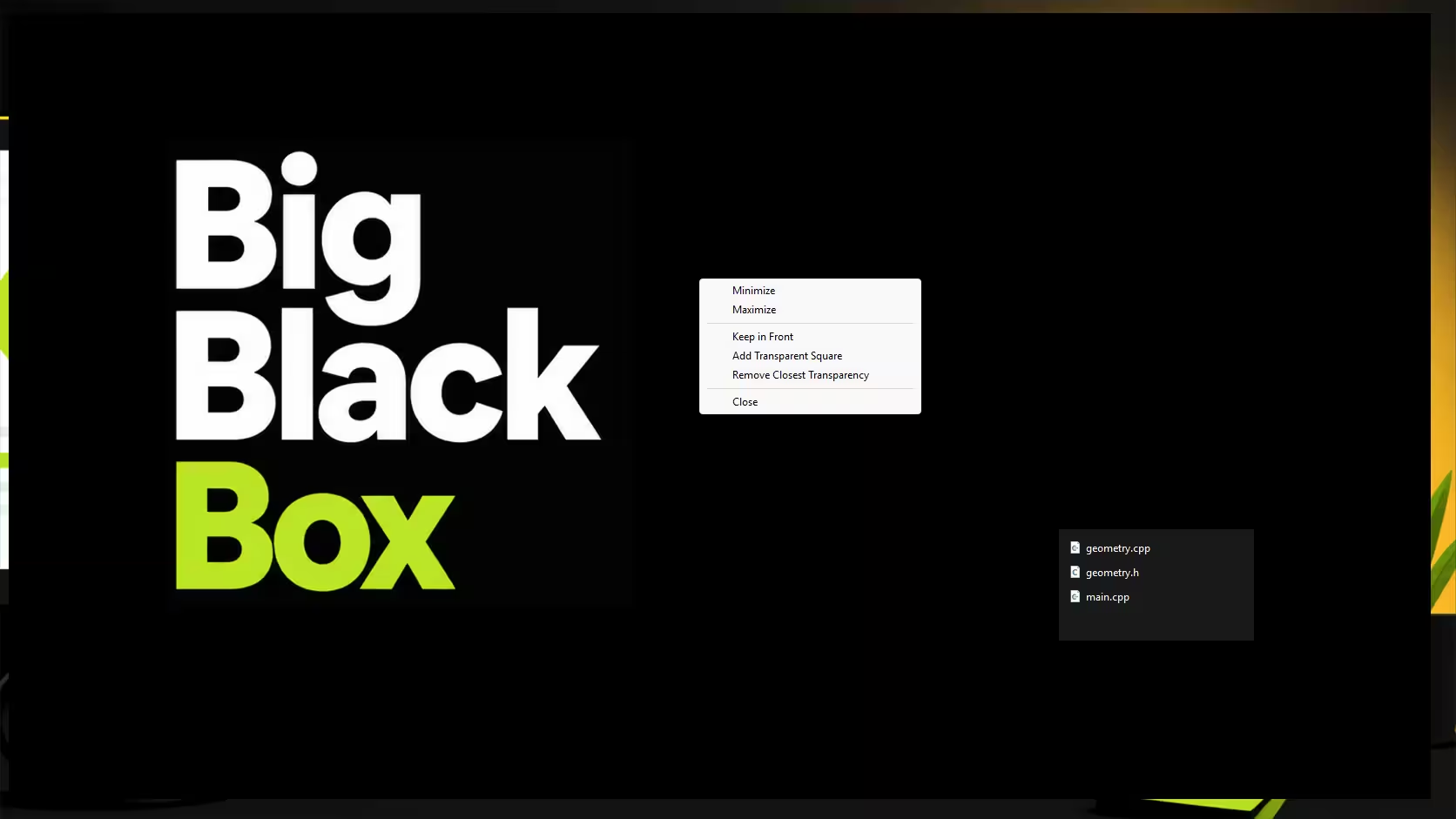
Big Black Box is a native Windows desktop utility that places a resizable black overlay across the screen, with optional transparent cutouts where you still want to see what is going on. The use case was simple and slightly specific: keep an eye on agent output, leave a small video window visible, and stop the rest of the desktop from constantly asking to be involved.
In practice, it became a lightweight way to reduce visual noise without fully locking down the machine. No account, no install routine, no ambitious platform strategy. Just a single portable .exe that does one job cleanly and gets out of the way. For tools like this, restraint is often the feature.
If you have ever wanted to hide most of your screen without hiding all of it, that was the whole pitch.
Useful for developers, multitaskers, and small business owners who want a simple Windows tool for focus without overcomplicating their setup.
Status
The build is deliberately small: two C++ source files, one header, one icon, and a batch file to compile the application. No heavy build system, no external libraries, and no long dependency chain waiting to become somebody else's afternoon.
The result is a fully working native Windows utility packaged as a 117KB executable. It launches fast, behaves as expected, and is easy to copy onto local machines for portable use. That matters more than it sounds. A tool that is awkward to distribute tends to become a good idea that never quite leaves the folder.
From a delivery point of view, this was the pleasant kind of small project: tightly scoped, technically modest, and useful almost immediately.
Problems Faced
There were no major technical failures, but that does not mean the process was entirely magical. Small desktop tools often look easy right up until window behaviour starts getting fussy.
The real work was in iteration: adjusting how the overlay behaved, checking whether the cutout logic felt practical in everyday use, and making sure the result stayed lightweight instead of slowly collecting "just one more feature" until it became a tiny monster.
AI helped move quickly, but it still needed direction. That is usually the trade. The first version is fast, the useful version comes from someone paying attention. Even when the code lands cleanly, you still need to test whether the behaviour matches the reason the tool exists in the first place.
Techniques That Helped
The main technique here was straightforward feedback-driven development: test the build manually, note what felt off, and feed precise corrections back into the agent workflow. In this case, that meant using Copilot in VS Code less as an autopilot and more as a very fast pair programmer with occasional confidence issues.
What made that effective was specificity. Broad prompts tend to produce broad results. Tight feedback such as window sizing issues, overlay behaviour, or portability requirements gave the agent something concrete to improve against.
A few practical habits helped:
- Keep the scope narrow so each iteration answers a real question.
- Test the actual compiled executable, not just the code that "looks right".
- Prefer portable output when the tool is meant for quick local use.
- Treat AI suggestions as draft implementation, not final truth.
For small utility software, that loop is often enough: build, test, correct, repeat. Not glamorous, but then neither is a screwdriver, and it still gets invited to serious jobs.
Lessons Learned
One useful takeaway was that desktop app development becomes much easier to delegate safely when you have a proper test environment. A VM would make it far simpler to let an agent exercise more of the application directly without risking your main machine or hesitating over permissions.
The other lesson was about fit. AI is particularly helpful on compact, well-bounded tools where the expected behaviour is easy to describe and verify. It can save time on implementation, but the human still has to define success clearly and check the edges where "mostly works" stops being acceptable.
For small teams and solo builders, that is probably the most practical model: use AI to accelerate the obvious parts, then spend your own time on judgement, testing, and the final few decisions that make a tool genuinely usable.
If you are building something similar and want a second pair of eyes, or a steadier hand through the messy middle, get in touch with us.