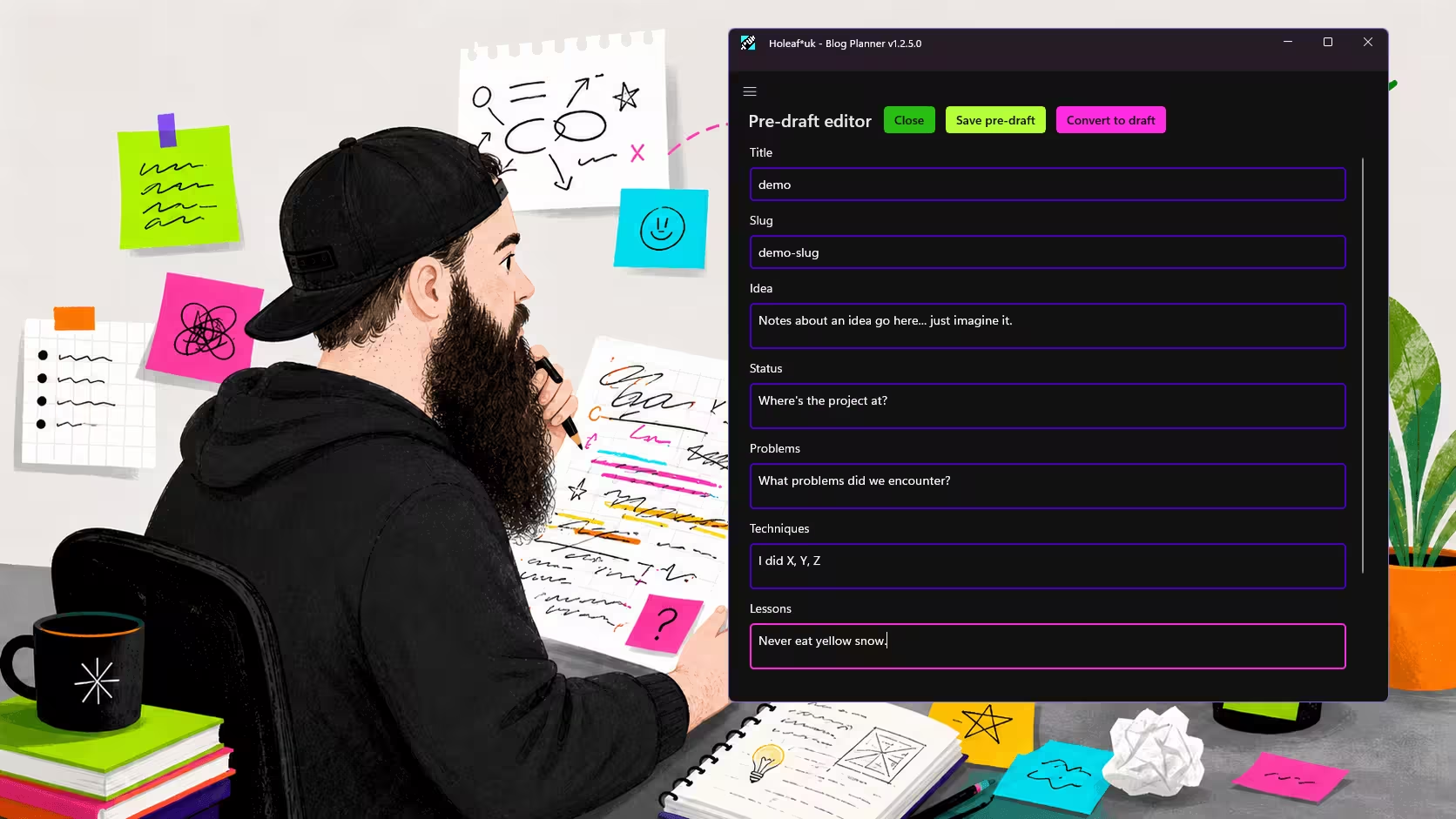
Idea
Blog drafts often begin life as a pile of half-sentences, clipped notes, and one decent line hiding under three bad ones. The plan here was to build a writing assistant that could take that mess, shape it into something readable, and still leave room for a human to stop it from sounding like a confident fridge manual.
The project also gave us a good excuse to test a few things at once: the newer GitHub Copilot app, the freshly released win-dev-skills, Windows app distribution, and the idea of using the Codex CLI as a helper from inside the app rather than as a separate tool floating off to one side.
That mix made it more useful than a plain "AI writes blog posts" experiment. It turned into a small test bed for drafting workflows, UI decisions, and the less glamorous part nobody advertises in their demo video: getting a Windows app packaged and distributed without losing the will to continue.
Useful for small teams, solo builders, and developers who want AI help with writing without handing over the steering wheel.
Status
The app is running, installable, and already useful enough to keep around. It can turn rough notes into a cleaner draft for, gives the writing flow a proper interface, and is now distributed to a limited set of users through the Microsoft Store.
There is still plenty to improve, mostly around workflow polish and how much guidance the assistant should give before it becomes an overexcited intern with autocomplete.
Problems Faced
Model selection in GitHub Copilot was the first problem. Auto selection kept picking Claude for parts of the work, and the results were not especially well suited to the UI we wanted. The output drifted, the interface choices missed the mark, and it was burning through Pro+ usage in a way that felt generous only if you were not paying for it.
Switching the default to GPT 5.4 made the behaviour more predictable and kept the app from wandering off stylistically (while saving tokens). That did not solve every problem, but it removed one source of noise, which is often the first real win in projects like this.
Microsoft Store distribution brought its own set of rules. Version numbers need to end in 0, so 1.0.1.0 is valid while 1.0.0.1 is not. The privacy policy requirement also applies even when distribution is limited to a small allowed-user list, which is the sort of platform detail that makes sense eventually, after a short sigh and a coffee.
None of these issues were dramatic on their own. Together, they were exactly the kind of friction that slows a small build down: not hard enough to feel heroic, just annoying enough to waste an afternoon.
Techniques That Helped
A small, focused agent.md did a lot of the heavy lifting. Keeping the agent instructions narrow meant the output stayed closer to the job at hand, and it reduced the amount of cleanup needed after each pass. Small prompts are not always better, but vague ones are regularly expensive.
The win-dev-skills project helped most when the work shifted from feature building to Windows-specific packaging and distribution. That is where general coding fluency stops being enough and platform-specific guidance starts saving time.
Launching VS Code directly into the correct folder from the GitHub Copilot app was another quiet win. It removed a bit of friction from the edit-test-fix loop, and those tiny cuts to context switching add up faster than people admit.
Keeping an eye on autopilot output also paid off. Watching what the agent was about to do made it easier to catch errors before they spread into other parts of the codebase. Fixing one bad idea early is much cheaper than finding its cousins later.
Lessons Learned
Purely agentic coding interfaces are good at skipping the ritual of wandering around an unfamiliar codebase for half an hour pretending that counts as progress. Used well, they shift more time into reviewing output, shaping intent, and catching mistakes early.
That said, the interface matters. A good agent setup should make it easy to inspect, redirect, and compare outputs across tools and providers. Locking the whole experience to one path or one model is tidy for marketing, but less useful when you are trying to build something practical.
The more interesting lesson was not "AI can write" or "AI can code." It was that the useful part sits in the middle: a setup where the machine helps with momentum, while the human still handles judgement, taste, and the occasional act of mercy.
If you want help shaping an AI-assisted writing workflow, a Windows app build, or a saner dev process for your own project, get in touch with Holeaf.